What is Flipper Zero? What is it used for? What happens if it is not used for the purpose for which it was created?duplicate
Today you'll discover what Flipper Zero is and how this device can both enhance your computer security skills and expose you to a number of cybersecurity risks. Want to learn more? Keep reading. Security…
Today you’ll discover what Flipper Zero is and how this device can both enhance your computer security skills and expose you to a range of cybersecurity risks. Want to learn more? Keep reading.
Cybersecurity has become a major concern for businesses, organizations, and individual users. With the rise in cyber threats, it’s essential to be prepared and have the right tools to protect our systems and networks.
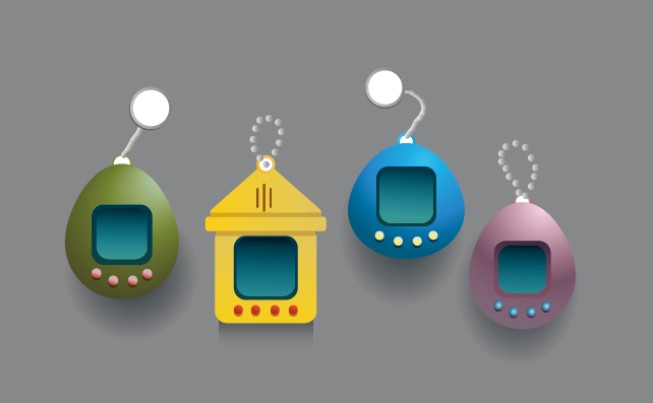
In this article, we’ll discuss a tool that has gained widespread popularity. It’s called “Flipper Zero,” a multifunctional device shaped like a keychain that’s designed to offer users a set of tools and capabilities to explore, learn, and experiment with wireless communication technologies, security systems, and electronic devices in general. Have you heard of it?
Flipper Zero features a touchscreen, buttons, and a series of built-in sensors that allow users to interact with various technologies such as RFID, NFC, Bluetooth, and infrared, among others. Its capabilities are extensive: from conducting penetration tests on security systems, cloning access cards, and controlling infrared devices, to decoding radio signals and carrying out various activities related to cybersecurity.
As you’ve seen, the main purpose of this device is to improve technical skills in cybersecurity, making it clear that it’s not intended for malicious activities. However, nothing could be further from the truth: if not used ethically and legally, it can lead to a number of risks and problems, which we list below.
Risks You Face If You Misuse These Devices
- Unauthorized access and data theft: If you use it to gain unauthorized access to systems, networks, or devices, or for purposes such as stealing passwords, personal data, etc., it is an illegal act and, therefore, could result in serious consequences.
- Spying: If you use it to spy on other people without their knowledge or permission, you would be violating their privacy and, once again, committing a crime.
- Damage to systems and devices: If you lack sufficient knowledge, you could damage the systems and devices you’re trying to access or control with the Flipper Zero. For example, you could delete or corrupt essential information, cause critical systems to fail, or render devices inoperable.
- Risks to your personal safety: Depending on how you use it, you could endanger, for example, your physical safety if you try to conduct tests in dangerous locations: on top of a wall, leaning out of a window, on a rooftop, on a highway, etc.
These are just a few examples of the risks, but there are more. In any case, they help illustrate that using these tools is not a trivial matter, and you must be aware that you need to use them responsibly and ethically—respecting the privacy and safety of others and following established laws and rules.
What are the 5 basic steps you should take if you want to use the Flipper Zero responsibly?
- Use it ethically and legally. As we’ve mentioned before, it’s important to use the device in accordance with applicable laws and regulations. Respect the privacy and rights of others while using it.
- Keep the firmware up to date. The manufacturer may release system updates for the device to fix security vulnerabilities and improve its performance. Be sure to install them to keep your device protected against known threats.
- Be mindful of connections. The device uses various wireless technologies to connect to other devices. Enable appropriate security measures, such as using strong passwords or access keys, to prevent unauthorized individuals from connecting to your device.
- Protect your passwords. If you use the device to access systems or services that require credentials, use strong, unique passwords and do not share them with anyone.
- Keep physical control of your device. Do not leave it unattended in public or accessible places to prevent theft or unauthorized use.
If you need more information or would like to learn more about this or other cybersecurity topics, visit the “Citizenship” section of the INCIBE website, where you’ll find various resources to help you understand and apply cybersecurity in your daily life. We look forward to seeing you there!
Content produced with funding from the Spanish Government’s Recovery, Transformation, and Resilience Plan, financed by the European Union (Next Generation).